
How to Search Civil Dockets
Putnam County gives the public two official places to run a civil docket search. For Common Pleas civil and domestic-relations cases, use Common Pleas CourtView eServices. For Municipal civil and small-claims matters, use Municipal CourtView eServices. The county describes both systems as showing docket entries. Ohio offers no single statewide trial-court portal. These two Putnam County tools are the way in.
Start with whatever case papers you have. They name the court, show the clerk-assigned case number, and often carry the latest hearing notice. CourtView then lays out the chronological entry history. Do not count on any particular search field, code, dropdown, or download option. The portals vary in what they expose. If the online docket misses the case, the Putnam County Clerk of Courts can point you to the right records path.
- Read the court name on the complaint, summons, notice, judgment, or other case paper.
- Choose Common Pleas for the higher-value civil or domestic case, or Municipal Court for the lower-value civil or small-claims case.
- Open the matching CourtView portal and locate the case with information shown on the court papers.
- Read the dated docket entries from the latest event back to the filing and service entries.
- Contact the Clerk for an official copy, a historic record, or help locating a matter not returned online.
Putnam County Civil Docket Thresholds
Dollar limits drive which court hears a Putnam County civil docket. Treat them as your first filter. Per the Clerk's legal-records page, civil claims of $15,000 or more belong in Common Pleas. Municipal Court covers civil matters at or below $15,000. Small claims run at or below $6,000. Search the wrong portal and you may miss a docket that is fully public.
Remember that these are jurisdiction rules. They do not let you guess a lawsuit's value from the docket itself. An entry might show a complaint, an answer, a judgment, or a post-judgment filing. Only the filed documents explain the claim. The county's court pages and the Clerk can sort out any unclear case type or court assignment.
| Putnam County civil matter | Where the docket belongs | Official access route |
|---|---|---|
| Civil claim of $15,000 or more | Court of Common Pleas | Common Pleas CourtView |
| Civil claim at or below $15,000 | Municipal Court | Municipal CourtView |
| Small claim at or below $6,000 | Municipal Court small claims | Municipal CourtView and clerk assistance |
Ohio Revised Code 1925.02 is the statute that governs small-claims jurisdiction.
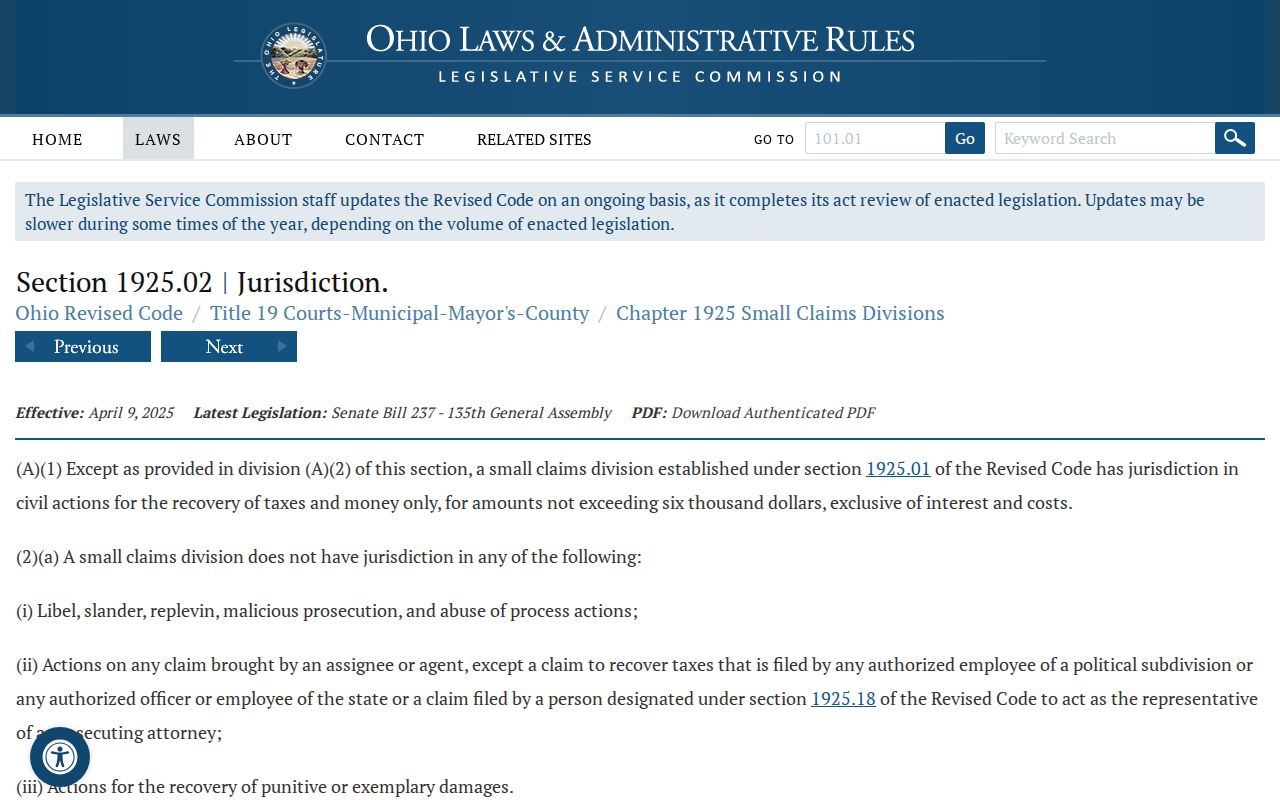
That statute sets the small-claims ceiling, which routes many Putnam County civil docket searches to Municipal Court.
What a Civil Docket Shows
Think of a civil docket as the Clerk's dated register, not the whole file. A Putnam County record can show the court, the case number, the case type, the caption, the filing date, event dates, hearing notices, orders, and a judgment or closing entry. CourtView's public notice matters here: the computerized information reflects docket entries only, and the paper record on file with the Clerk supersedes it.
Read the newest entry first. Then work backward to see where the case stands. A hearing notice sets an appearance. A motion asks the court to act. A judgment entry records a decision. No label by itself tells you what the full record holds or which document images exist. When you need a filed order or a certified copy, ask the Clerk rather than trusting a screen.
| Case number and court | The clerk-assigned identifier and the court that owns the civil docket. |
|---|---|
| Case type or style | Identifies the civil, domestic-relations, or small-claims context when publicly shown. |
| Filing and service entries | Shows that an initiating paper or notice was filed or that service activity was entered. |
| Setting or notice of hearing | Records an appearance date that should be checked against any later order. |
| Judgment or disposition entry | Records a court result or an order ending an active phase of the matter. |
Putnam County Civil Docket Entry History
A Putnam County civil docket reads as a dated history. It lists filings, notices, settings, and orders. Check the newest entry against the actual court paper whenever status matters. CourtView shows docket entries. The Clerk's paper file controls. Send any request for an official document to the Clerk.
Putnam County Civil Docket Forms
Local filings show how docket entries get made. The Common Pleas Court page posts domestic-relations forms. These include a case designation sheet, notice of hearing, request for continuance, dismissal request, and related motions. The court's filing instructions direct parties to reuse the case number the Clerk assigns in a new domestic case. Use it for all later hearings, motions, and orders.
These forms are examples, not proof that every image will surface in CourtView. A notice of hearing may produce a future setting entry. A continuance request may draw a grant or a denial. A dismissal may end with a judgment entry. To gauge where a Putnam County civil case stands, look for the entry. It should record what the court actually did next.
Types of Civil Cases on the Docket
Putnam County splits its civil work between two courts. Common Pleas takes the bigger matters, and its Domestic Relations division handles divorce, dissolution, custody, and related filings. Municipal Court covers the lower-value civil docket along with small claims. Expect certain entry types. A Putnam County civil docket can hold a complaint or petition, a response, motions, hearing notices, and trial or judgment entries. Later you may see post-judgment items too. Examples include a certificate of judgment, execution, garnishment, or an appeal.
Case type alone does not decide what you can view from home. Domestic-relations files often carry access limits. Probate and Juvenile matters run through a separate county contact route. They do not use the usual civil portal. The Clerk processes the legal records for both Common Pleas and Municipal. But the court named on the case controls which docket and copy path is correct.
Putnam County Civil Docket Costs
Filing deposits and copy costs are two different things. The current Common Pleas local rules set a $250 deposit. It applies to a new civil petition or complaint. Foreclosure runs $450. A counterclaim, crossclaim, or third-party claim takes $200, and reopening a concluded case costs $125. Those numbers cover filing only. They do not cover the price of viewing a CourtView docket entry or pulling a specific document.
For records, the same schedule prices plain copies at $0.10 per page. Certification adds $3. Fax or email delivery costs $3 per transmission plus $1 per page. The rules post no general online-document fee, no certified-copy form, and no turnaround promise. So confirm the current cost before paying. Decide whether you need certification. That matters most for a Municipal or Probate and Juvenile record.
| Common Pleas item | Verified local amount |
|---|---|
| Plain copy | $0.10 per page |
| Certified copy | $3 |
| Fax or email | $3 per transmission plus $1 per page |
Settings and Hearings on Civil Dockets
A civil setting is a slot on the court's schedule. It is not always a final trial date. A Putnam County civil docket might list a notice of hearing, a motion hearing, or a pretrial event. It may also show a trial setting, or an entry on a request to move a date. Read the entries in date order. Look for the newest notice or order. An old hearing line can sit in the history. A later court order may have set a new appearance.
The county publishes no separate public calendar with verified field labels for all its courts. The docket, the Clerk, and your lawyer if you have one are the fallback. Many hearings now happen by phone. So confirm any setting that matters through the court's current direction. Never treat an earlier paper notice as the last word.
Putnam County Civil Docket Court Choice
Putnam County civil docket access starts with the court that owns the case. A small-dollar claim, a Common Pleas case, and a domestic-relations case do not share one portal. One is not the other. When the court is unclear, give the Clerk the case number or the approximate year. Ask which records path applies before you request copies.
Putnam County Civil Docket Continuances
A continuance request asks the court to move a date. The filing alone changes nothing. In Common Pleas trial cases, the local rule says the application must show good cause. A witness-absence request must show reasonable diligence. The judge has to approve it. If a jury has already been called, the party asking pays the cost of calling that jury.
On a Putnam County civil docket, read in this order: the request, then any later order. Then read any new notice of hearing or setting. The latest dated court action controls. A summoned person who falls ill should contact the Clerk about a possible continuance. The Clerk can explain the current date channel. But treat the Clerk as never having granted the request itself.
- Notice of hearing
- A filed notice that a matter is set for a hearing.
- Continuance
- A court-approved postponement after the court acts on the request.
- Judgment entry
- The journalized court decision that establishes a judgment or adjudication.
Public Access to Civil Dockets
Public access starts with the CourtView docket-entry path. It runs through the Putnam County Clerk of Courts. Ohio's Rules of Superintendence presume access to court records. They also regulate remote access and protected content. Still, the county system does not promise that every pleading image, personal identifier, or restricted document is viewable online.
A civil docket result can be limited by court rules. A sealed order, protected identifiers, or a case type with special access controls can also limit it. If a record stays hidden, confirm the court first. Then ask the Clerk whether in-person inspection or a copy request is possible. The legal office sits at Suite 301, 245 E. Main Street, Ottawa. It is reachable at 419-523-3110 with fax 419-523-5284. The county accepts public-record requests by phone, fax, or email. It lists mail as a filing channel. For a mailed return, include a self-addressed stamped envelope when the Clerk instructs it. Probate and Juvenile matters use 419-523-3012 instead of the general CourtView portals. For sealing questions, Ohio Revised Code 2953.33 is one of the state's sealing provisions.
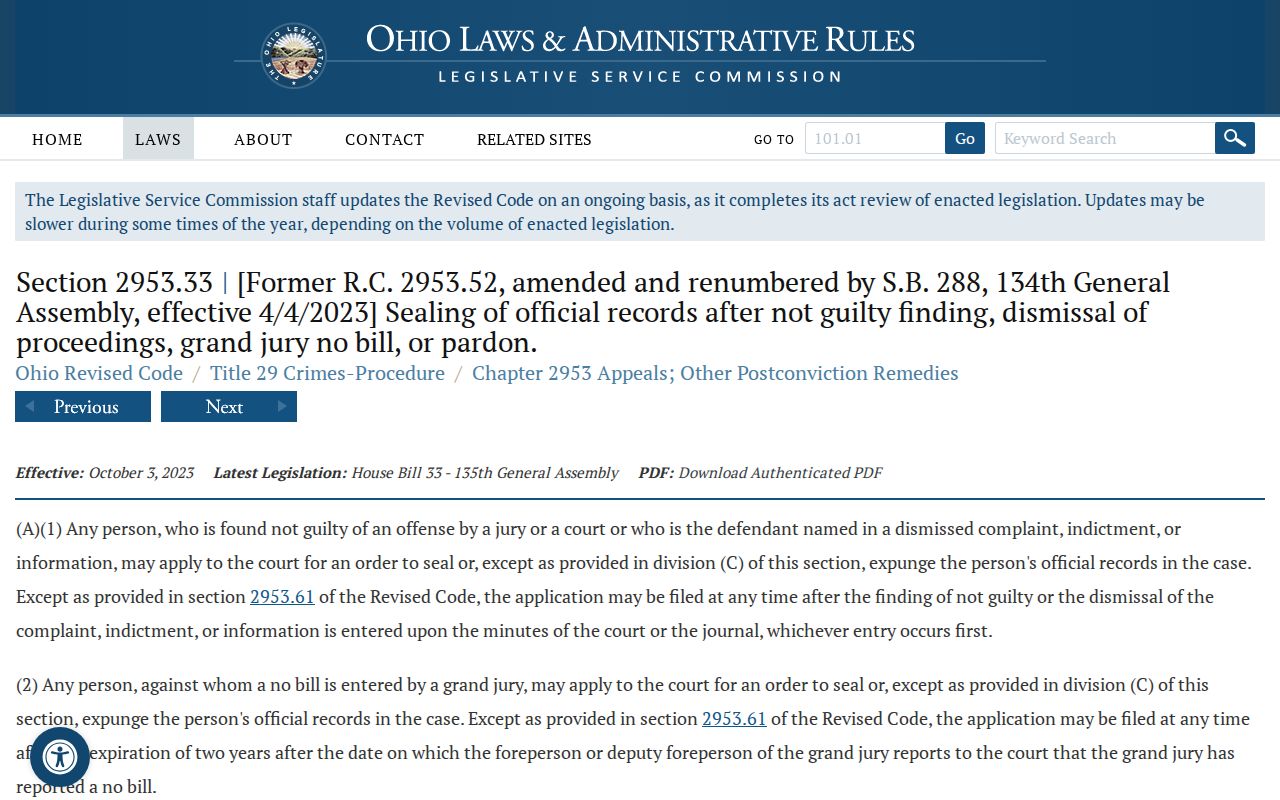
This page deals with civil docket access. Even so, the statute above shows why an online court record should not be read as a full inventory of everything a court holds.
Putnam County Civil Docket Limits
Searching from home only gets you so far with Putnam County court records. Ohio's public-access rules shield personal identifiers from view. Judges can also seal material by court order. So an empty result does not mean the case never existed. A Putnam County civil case might sit in the other court portal, or belong to the Probate or Juvenile division. It may fall outside the scanned set, or carry an access restriction. Ask before assuming otherwise.
History adds another wrinkle for docket hunters. The Clerk holds civil and domestic records on microfilm going back into the early 1950s. Scanning into the court computer system did not start until 2005. Older filings need a request with the court, the approximate filing year, and the case number if known. Name the item wanted too. The clerk's record search can bridge that historical gap, though online availability is never promised.
Ohio Revised Code 2953.34 sets out when inspection of sealed records is restricted. That statute appears in the final assigned civil image.
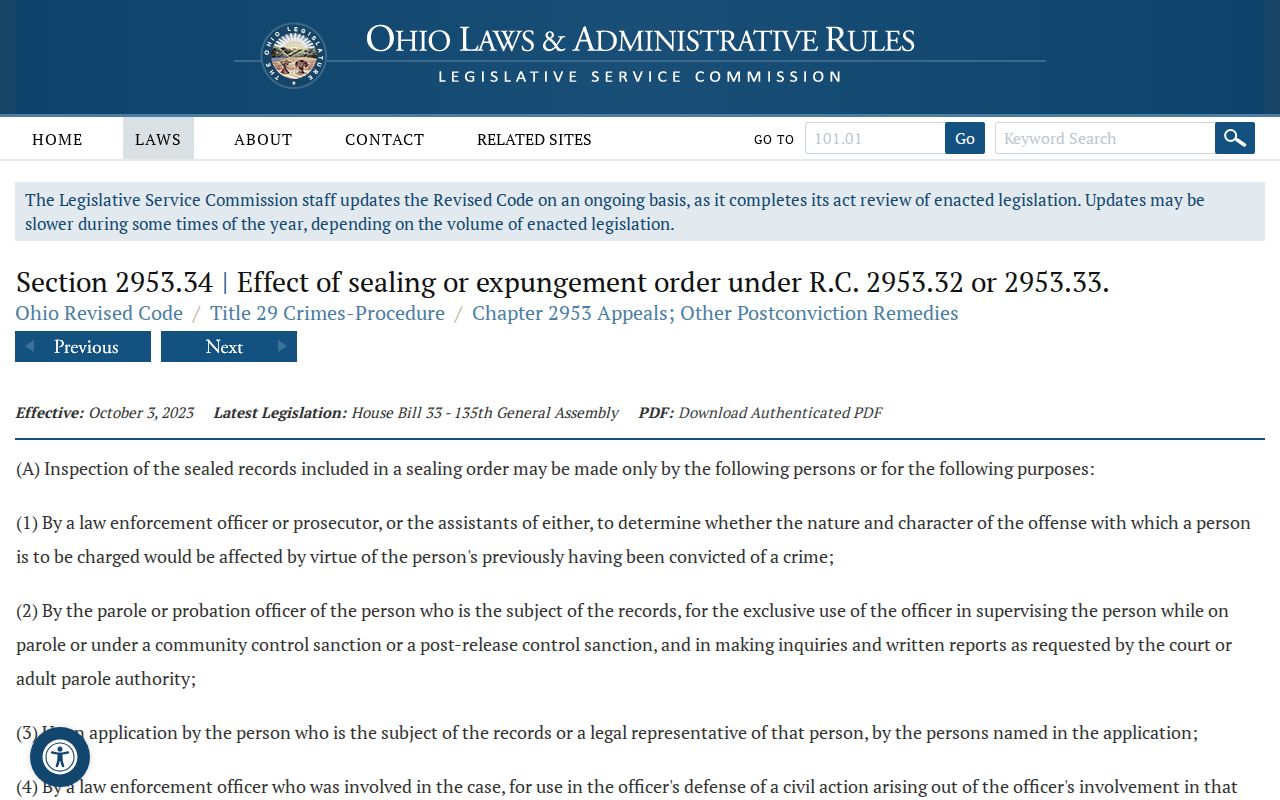
Treat access limits with patience. Search the right Putnam County docket first, then confirm with the court or Clerk what record access is actually permitted.
Putnam County Civil Docket Copy Route
A Putnam County civil docket entry does real work here. It can point you to the exact document or event a record request should name. Tell the Clerk plainly whether you want a plain copy or a certified copy. They are different products with different uses.
The Common Pleas schedule lists verified baseline copy rates. Still, confirm the current court-specific charge with the office. Also confirm the delivery method before sending payment.