
How to Get Court Records
Putnam County's first stop online is CourtView, split by court. Use Municipal CourtView for traffic cases, misdemeanors, small claims, and Municipal civil matters. Use Common Pleas CourtView for felonies, domestic relations, and larger civil matters. The portal is good at locating a case and its docket entries. It cannot promise every filed image is public. What you see may not be official, though. Need certified copies or full legal files? The Clerk of Courts remains the direct record source for both courts.
- Locate the court and case through the matching CourtView portal or a citation, summons, notice, or other court paper.
- Decide whether the need is for docket-entry history, an available filed document, a plain copy, a certified copy, or a transcript.
- Give the Clerk the court, case number if known, caption information if known, document title, and approximate filing date.
- Use the published phone, fax, email, mail, or in-person channels and confirm the amount due before sending payment.
- For a mailed return, include a self-addressed stamped envelope when the Clerk’s schedule calls for one.
- Call Probate/Juvenile separately when the requested record belongs to that division.
The county takes record requests by phone, fax, and email. Filings may also go through mail or fax. No separate copy-request form exists. The county posts no tracking number, ID requirement, or standard completion time. A short, plain request works best. Name the file you need and say whether you want a plain or certified copy.
Putnam County Court Records Online and Paper
Three layers of a Putnam County court record should stay distinct. A docket entry is a chronological notation. It shows something was filed, set, or ordered. The filed document is the real pleading, notice, order, or judgment sitting behind that notation. A certified copy is a clerk-authenticated reproduction meant for official use. The Municipal CourtView notice spells this out. It says public information reflects docket entries. Paper records filed in the Clerk's office are the official record. They supersede online information. Ohio Revised Code 149.43 sets out this public-records statute and its official text.
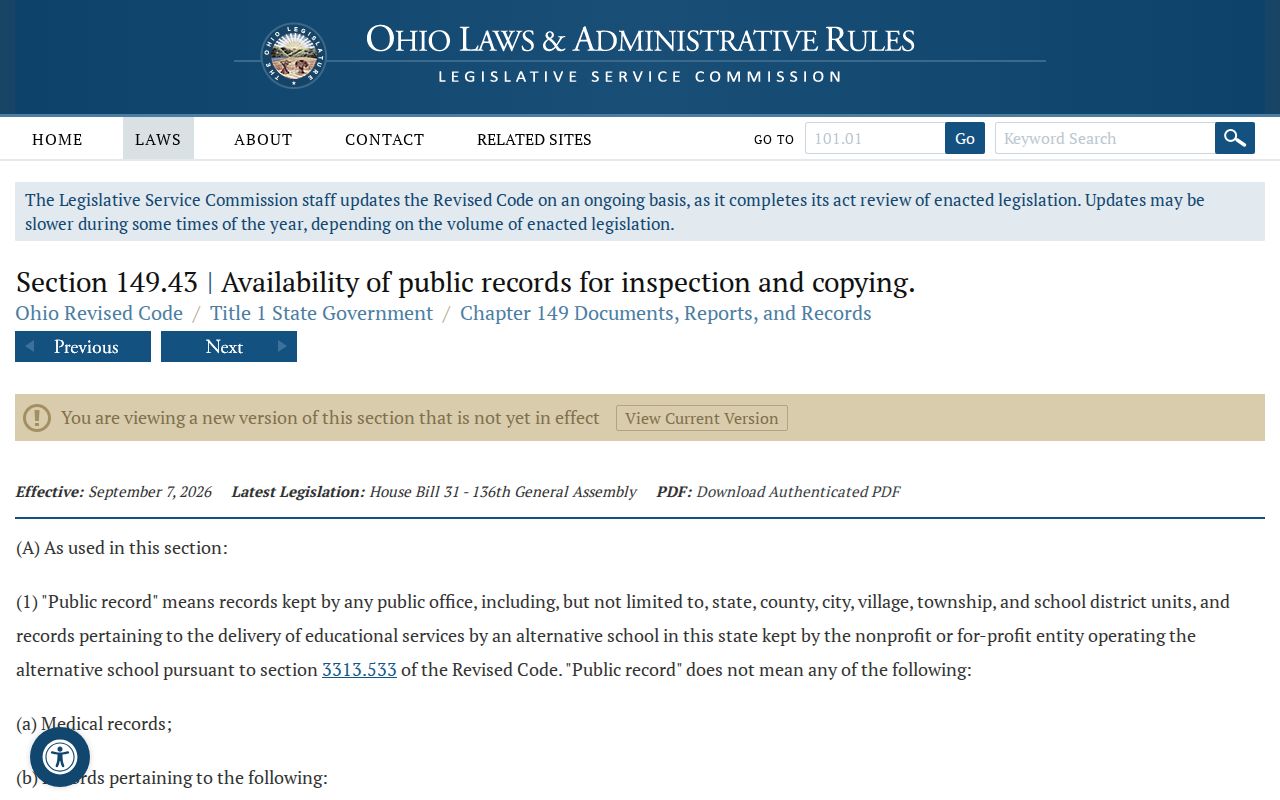
The statute guarantees public inspection and copying, subject to legal exceptions. Court-specific access also follows Ohio Supreme Court rules and local Clerk practice.
Types of Court Records
The Putnam County Clerk of Courts files, dockets, indexes, and preserves the legal records for both Common Pleas and Municipal Court. That one clerk office covers civil, felony, domestic-relations, traffic, misdemeanor, and small-claims matters. Which court owns the case still matters, though. A felony file belongs to Common Pleas, while a traffic case is usually Municipal. Probate and Juvenile keep their own county contact route. Some records in those areas carry special access limits as well.
- Docket-entry histories showing dated filings, notices, hearings, orders, and disposition entries.
- Filed pleadings, motions, answers, notices, and related case papers where public access is available.
- Orders and judgment entries that record the court’s decision or direction.
- Municipal traffic, misdemeanor, civil, and small-claims legal records.
- Common Pleas felony, major-civil, domestic-relations, and lower-court appeal records.
Putnam County Court Record Custody
The Putnam County Clerk of Courts serves as legal clerk for both the Court of Common Pleas and Municipal Court. Start there for a Common Pleas or Municipal copy request, a filing question, or a historical file that does not appear online. Probate and Juvenile handles its own matters at 419-523-3012. Columbus Grove Mayor's Court is a separate route. A local Mayor's Court matter does not appear automatically in the county Municipal result. Appeals add one more wrinkle. The Clerk processes lower-court appeals through Common Pleas. It sends them to the Ohio Third District Court of Appeals. So a notice of appeal on an originating docket can point to a different court's appellate record. The original court keeps its file custody either way.
What a Court Record Contains
A court file is broader than the online docket. The docket shows a chronological sequence. The underlying file holds the actual papers an entry names. Availability can differ by document and by restriction. Not every online docket entry in Putnam County carries a downloadable image. Ask for the precise paper you need. Do not assume an entry gives full document access.
| Case number | The clerk-assigned identifier shown on court papers and later filings. Putnam County has not published a universal numeric format. |
|---|---|
| Docket sheet | The dated case register of filings, notices, service, hearings, orders, payments, and disposition entries. |
| Pleadings and notices | Case papers such as a complaint, petition, answer, motion, notice of hearing, or summons when accessible. |
| Orders and judgments | The court’s written directions and journalized decisions, including a judgment entry where issued. |
| Copy type | A plain copy is an uncertified reproduction. A certified copy adds Clerk authentication. |
Putnam County Court Records on Microfilm
An empty online result can be a records-era issue, not a missing case. Civil and domestic records were microfilmed into the early 1950s. Felony criminal records go back as far as 1974. Scanning into the court computer system began in 2005. Give the legal clerk the court and the approximate filing year. Add a case number if known. Include any caption information you have. Ask whether the file sits on microfilm or in an older paper file. It may be in the post-2005 scanned system instead. Putnam County publishes no formal historical-records request form, search fee, or turnaround estimate. The Clerk can confirm the available medium and any payment or delivery need before you submit.
Putnam County Court Record Transcripts
A transcript is not a docket entry or a filed document. It is a verbatim record of a proceeding. It is prepared through the court reporter process. Putnam County posts no reporter directory, transcript price, or electronic transcript form. Ask the Clerk which reporter or court procedure applies. The CourtView screen is not a transcript request channel.
Certified Copies and Fees
Putnam copy fees are easiest to read in the Common Pleas local rules. A plain copy is just that, an uncertified reproduction. A certified copy carries the Clerk's authentication. The schedule prices "certify copies" at $3.00, but it is silent on whether that charge runs per document or per request, so confirm before mailing payment. Municipal certification calls for the same caution. The $0.10 per-page clerk copy cost is clear there, but the certification amount is not, and a quick phone call settles it.
| Item | Verified amount or rule | Local source note |
|---|---|---|
| Plain copies | $0.10 per page | 2026 Common Pleas local rules. |
| Certified copies | $3.00 | Listed as “certify copies”; confirm how the charge applies. |
| Fax or email | $3.00 per transmission plus $1.00 per page | Current Common Pleas schedule. |
| Municipal clerk copies | $0.10 per page | Municipal local-rule search result; confirm other charges directly. |
Putnam County Clerk of Courts
245 E. Main St., Suite 301
Ottawa, OH 45875
419-523-3110
Putnam County Court Records by Mail
Want your copies or fee receipts mailed back? The Common Pleas schedule asks for a self-addressed stamped envelope with the request. Include the court and the case number if you have it. State the document or docket range you need. Say whether you want plain or certified copies. Add a phone number or email too, in case the clerk has to confirm a fee. The county's court materials also list fax and email as public-record request channels. A portal is not the only way in.
Note: Putnam County publishes no separate copy-request form, no required identification rule, and no fixed response-time promise for these requests.
Putnam County Court Records and Federal Cases
Federal cases live in a separate layer of the court system. Putnam County sits in the Toledo Western Division. That division belongs to the U.S. District Court for the Northern District of Ohio. Federal district and bankruptcy dockets run through CM/ECF and PACER. They do not run through either Putnam CourtView portal. So a federal caption, case number, or filing should never go to the Putnam Clerk as if it were a Common Pleas or Municipal document request. That clerk holds county records, not federal ones. The Northern District county-division page shows which counties belong to each division.
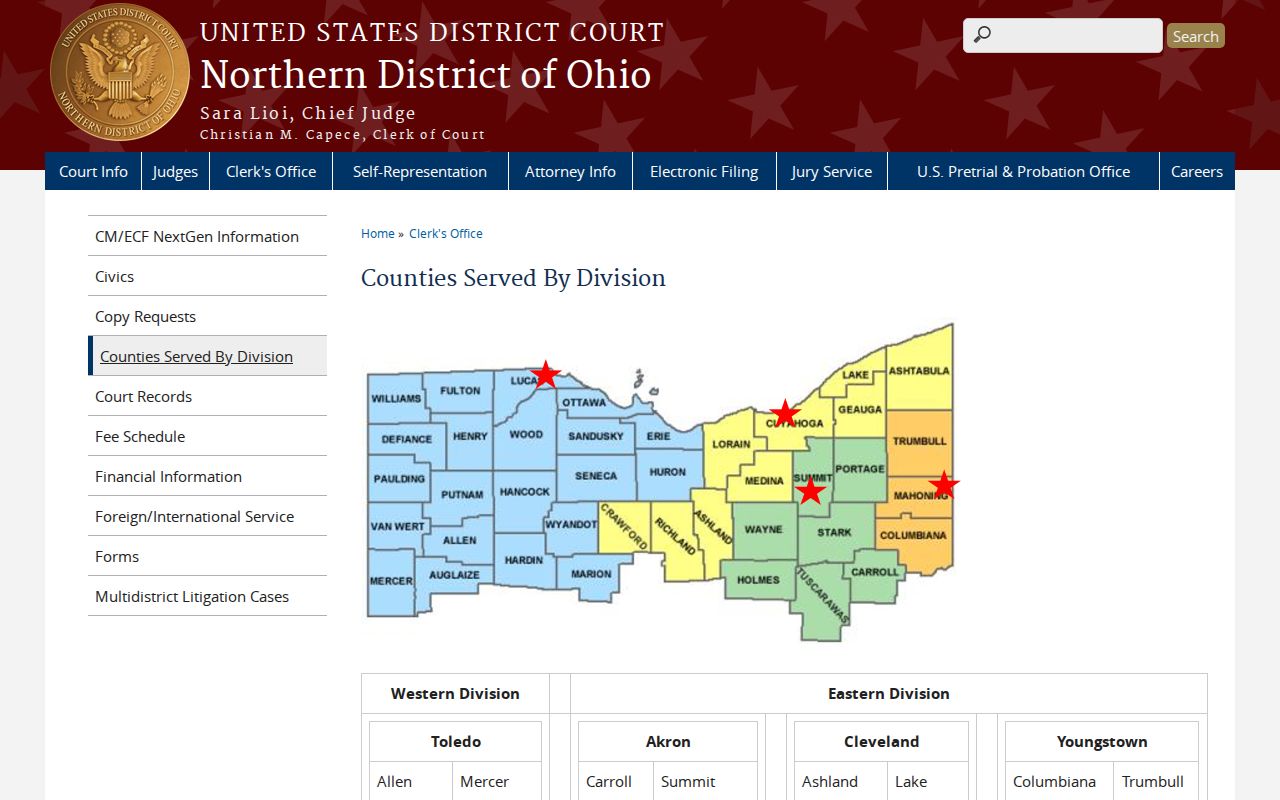
The division view keeps federal venue information apart from Putnam County state-court record custody. PACER's official fee explanation documents how the federal electronic-access system works and why it charges.
PACER is the official federal route. It does not replace a Putnam County CourtView docket search or a copy request to the Clerk. For bankruptcy matters, Northern District of Ohio Bankruptcy Court Toledo is the office that holds the record.
Bankruptcy files live in a different court entirely. That federal system keeps its own electronic-record setup, apart from any county court docket you might search locally.
Public Access and Sealed Records
Start with the assumption that a court record is public. That presumption, though, has real limits. The local CourtView notice states plainly that the public online information reflects docket entries only, and the Ohio Rules of Superintendence both presume public access to court records and spell out what counts as protected or restricted material. So some things simply will not appear. Personal identifiers get shielded, and many juvenile records, adoptions, sealed criminal records, and anything restricted by court order may be missing, redacted, or reachable only through a narrow request process. One more caution belongs here. Do an online entry and the paper file disagree? The paper record still controls what a Putnam County court docket truly says.
Key Rules:
Ohio Sup.R. 44-47 defines court-record access and the limits on direct and remote access.
Ohio Revised Code 149.43 supports inspection and copying of public records subject to legal exceptions.
Ohio Revised Code 2953.32 provides statutory rules for sealing or expungement of conviction and bail-forfeiture records.
Ohio Revised Code 2953.34 limits inspection of sealed records to specified people and purposes.
Putnam County Court Record Access Rules
For the practical side of getting Putnam County court records, the Putnam County Courts page gathers the local access channels and portal links in one place. An online docket hit is only the first step. That entry does not erase any redaction, sealing, or court-order restriction on the underlying file. If a matter is restricted, ask the Clerk. You can also ask the relevant Probate and Juvenile office exactly what channel exists for public access, inspection, or copies. A public caption means less than people assume. It never guarantees that every page in that file can be photocopied or emailed to you.
Putnam County Juvenile Court Records
Probate and Juvenile Court business in Putnam County runs through a separate county line: 419-523-3012. That one office handles several very different case types. Juvenile civil matters and delinquency cases sit here. Juvenile traffic does too, along with abuse, neglect, or dependency cases. Ohio rules guard certain juvenile names and other personal identifiers. That means juvenile and adoption files carry access limits a routine Municipal docket does not face. Before assuming a record is online, confirm directly with the court. The same step applies before asking for a copy. Ohio Revised Code Chapter 2151 spells out the statutory provisions governing these juvenile-court records.
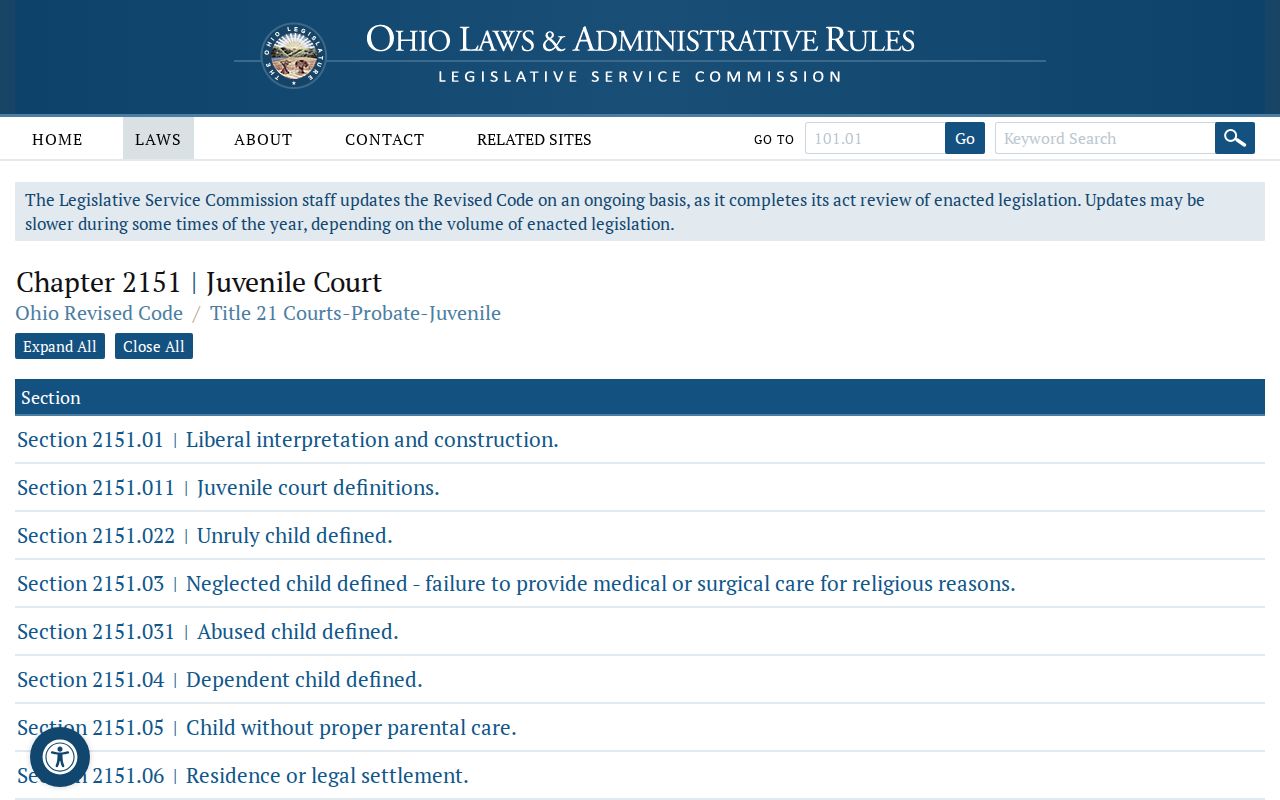
The statute backs up the point: a CourtView result that spans the county is no substitute for a real search of Putnam County juvenile records.
Putnam County Court Record Request Details
Give the Clerk of Courts as much detail as you can. A case number points straight to the file. Check your citation, summons, hearing notice, or portal result. For an older record, a caption plus an approximate year often works just as well. Be clear about what you want back. The choices include the docket history, one named document, a plain copy, a certified copy, or a transcript. If the docket is only your starting point, a Putnam County case search can pin down the right court and entry first.
Call the Clerk before you submit anything. The staff can confirm the record exists, quote current charges, and explain how copies get delivered. That quick check matters most when a file predates scanning. It also pays off when the record sits with a different division or needs certification.