
How to Search the Putnam County Court Docket
Two official CourtView Justice Solutions eServices portals hold Putnam County's public docket entries. Pick the court first, not a statewide Ohio search. Traffic tickets, misdemeanors, small claims, and Municipal civil matters go through the Municipal CourtView portal. Felonies, bigger civil cases, and domestic-relations filings go through the Common Pleas CourtView portal. No single statewide trial-court search replaces these two local paths.
Before you start a docket search, gather a few things. Have the court name handy. Bring a case number from any court paper. Add a rough filing year. A party name or caption helps the clerk pull an older case. For a Municipal traffic ticket, the official entry page tells you to search by last name and first name only. Probate and Juvenile matters follow a separate contact route. So keep them out of both general CourtView searches.
- Match the case type to Municipal Court, Common Pleas, or the separate Probate and Juvenile contact.
- Open the corresponding Putnam County CourtView portal and accept the public-access notice when prompted.
- Search using the information the court has published, including the last-name and first-name method for a Municipal ticket.
- Read the entries in date order, noting the court, case number, latest entry, and any future setting.
- Call the Clerk when the result is missing, unclear, old, restricted, or when an official copy is needed.
Putnam County CourtView Portal Split
Putnam County runs two separate CourtView entrances, and each answers a different question. Traffic tickets, misdemeanors, small claims, and lower-value civil matters sit in the Municipal portal. The Common Pleas portal holds the felony, major civil, and domestic-relations docket entries. The county labels both as docket-entry information. That makes them strong tools for tracing a case history. They do not promise that every filed document image is downloadable.
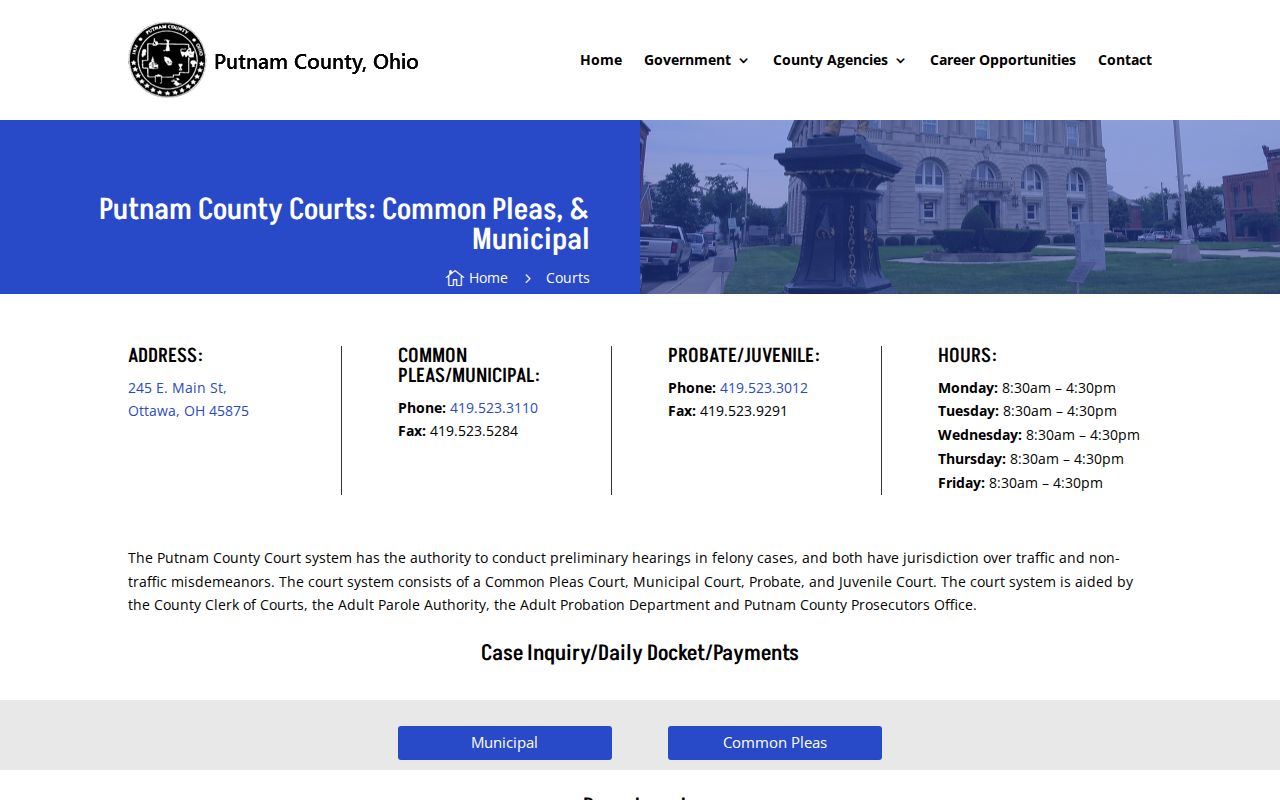
The county court landing page gathers both links under its case inquiry, daily docket, and payments information. It helps when a browser holds a stale bookmark. It also helps when the case type is unclear. The Municipal entrance asks for an acknowledgment before public searching begins. Nothing here supports guessing field lists from another Ohio county's CourtView installation.
When a link is needed, Putnam County's court landing page is the official page. It shows both access channels side by side.
With the portals split this way, choosing the right court comes first in every Putnam County docket search.
What a Court Docket Shows
Putnam County calls the chronological notes in a case docket entries. Each one shows that an event was filed, scheduled, or ordered. A docket is not the whole case file, though. The Municipal CourtView notice states that paper records filed in the Clerk's office are the official record. Those paper records supersede online system information. Keep that in mind for a certified copy. It also matters for a document behind an entry or a current setting.
Read the newest entries with care. A notice of hearing sets an event. A later order can grant or deny a continuance. An old arraignment, pretrial, or hearing entry does not by itself show a case ended. Putnam County publishes no universal local code list. So verify an unclear label with the Clerk instead of guessing.
| Court and case number | Identify the court and copy the clerk-assigned number exactly as the paper or accessible record shows it. |
|---|---|
| Case type and status | These categories help distinguish a traffic, civil, felony, domestic, or other Putnam County matter. |
| Docket entries | Dated records of filings, notices, service, motions, hearings, orders, judgments, or payment events. |
| Settings | A future notice or later order can identify an appearance. Confirm a material date with the Clerk. |
| Disposition | A dismissal, judgment, plea outcome, sentence, or other entry can close an active phase of the case. |
| Document availability | An entry is not proof that its underlying paper is publicly downloadable or certified. |
Why the Putnam Clerk Paper File Controls
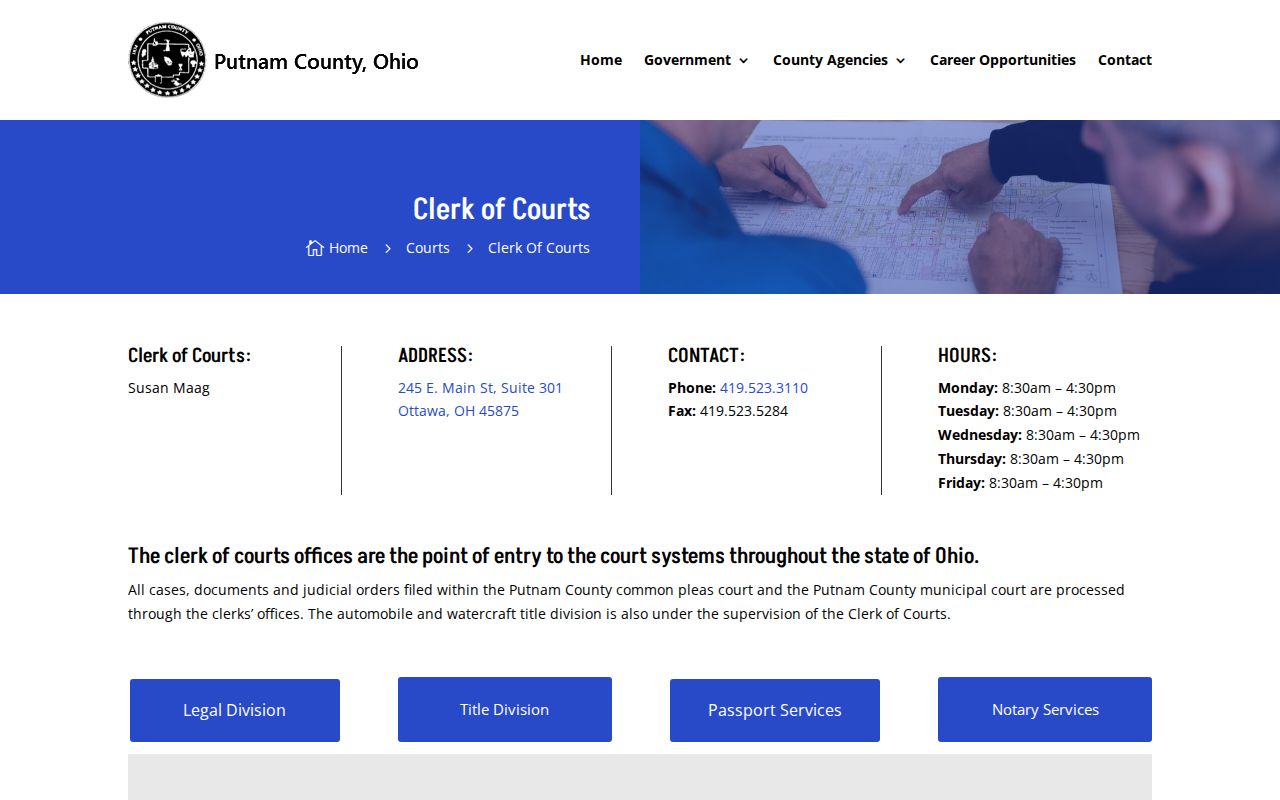
One unified Putnam County Clerk of Courts files, dockets, indexes, and preserves the legal records of both Common Pleas and Municipal. Think of the portal as a locator and case-history tool. When an online entry conflicts with the paper file, the file controls. That matters most for document requests, certifications, older files, and any date that may have shifted after a portal refresh.
History shapes what a clerk must pull. The Clerk reports civil and domestic records microfilmed into the early 1950s. Felony material reaches back to 1974. Scanning into the court computer system began in 2005. An older Putnam County docket may need a clerk search of the correct record medium. Give the office the court and the approximate year. Add a case number if you have one. Name the exact docket range or document you need. The Clerk of Courts page describes the unified legal-records work for both trial courts.
After you locate the Putnam County docket, the Clerk's office is the place to call for anything official or certified.
Which Courts Keep Dockets
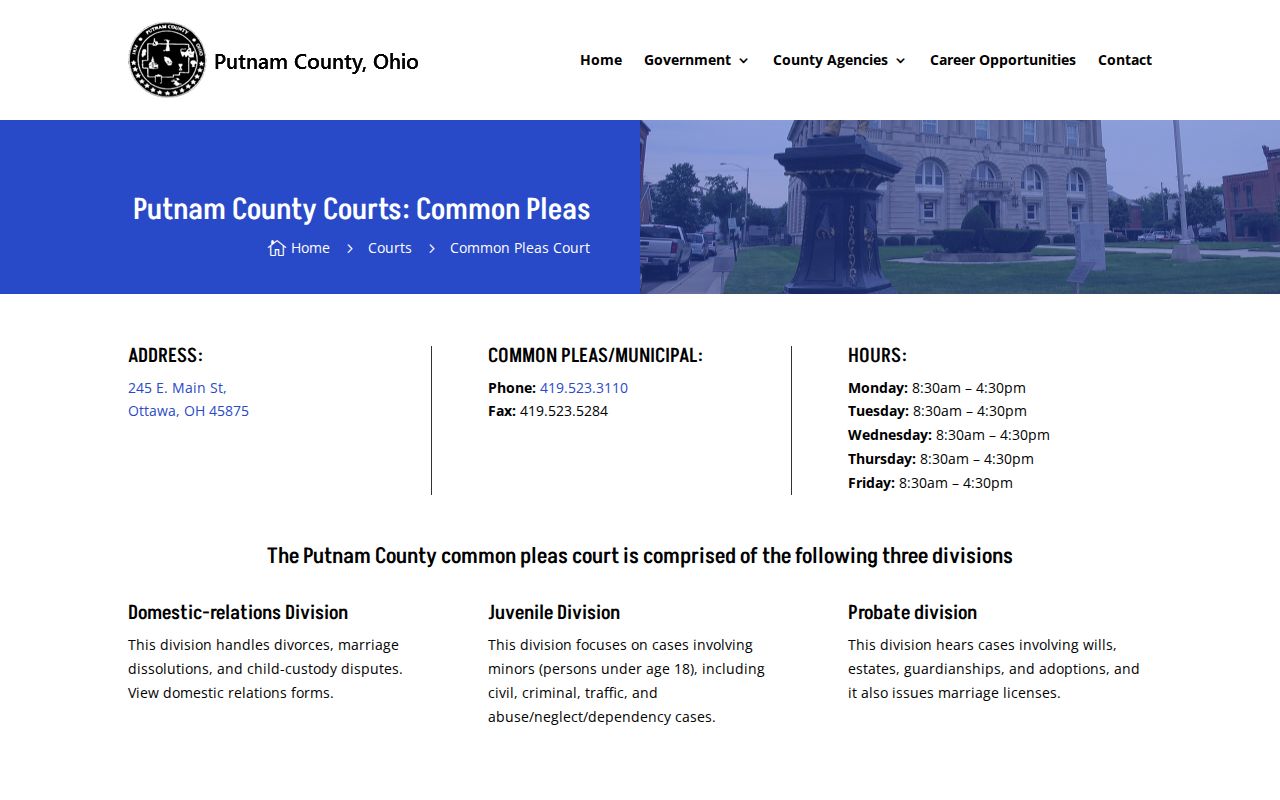
Putnam County court records split by court and case type. Common Pleas is the general-jurisdiction route. It covers felony records, civil claims above the Municipal threshold, and domestic relations. Putnam County Municipal Court runs countywide for traffic, misdemeanors, lower-value civil cases, and small claims. Probate and Juvenile matters use their own county contact line. Access limits can keep those records out of the ordinary CourtView path.
Columbus Grove deserves a separate check. Its official village directory lists a Tax and Mayor's Court contact. The citation or court paper itself names the court to search. Never assume a Mayor's Court case will show up in the Putnam County Municipal docket. Confirm it first.
| Court | Docket Covers | Where to Search |
|---|---|---|
| Putnam County Court of Common Pleas | Felonies, civil matters above $15,000, domestic relations, and lower-court appeals. | Common Pleas CourtView or the Clerk. |
| Putnam County Municipal Court | Traffic, misdemeanors, civil matters at or below $15,000, and small claims at or below $6,000. | Municipal CourtView or the Clerk. |
| Probate and Juvenile divisions | Estates, guardianships, adoptions, juvenile matters, and juvenile traffic matters. | Call Probate and Juvenile at 419-523-3012 to confirm the access route. |
| Columbus Grove Mayor's Court | Locally handled Mayor's Court matters documented by the village and state report. | Contact the village Tax and Mayor's Court before using county CourtView. |
Putnam County Civil Docket Divide
Money splits the Putnam County civil docket. Common Pleas handles civil matters at $15,000 or more. Municipal Court takes claims at or below $15,000. Small claims sit at or below $6,000. Pick the portal by amount and case type before you search, so a lower-dollar claim does not lead you into the wrong court's records.
Domestic relations files through the Common Pleas record system even though it is not a plain money claim. That court also posts local forms, including a case designation sheet, notice of hearing, request for continuance, and dismissal materials. Filing a form can generate a docket entry. Still, a form image is not always posted online. The Common Pleas Court page lists its divisions and its public record search.
Jurisdiction drives the choice. A Putnam County case begins in the court that holds it, so choosing the right court is part of any docket search.
Finding Court Dates and Settings
Putnam County posts no single public calendar with a standard search form. The county instead names three ways to check a next setting. Use the correct public-access website. Call the Clerk of Courts at 419-523-3110. Or ask counsel when a lawyer represents you. Start with the docket online. Then confirm any date that matters directly, since recent cases, pending continuances, and moved hearings can change quickly.
Read setting entries in order. A continuance request is not a new court date. Common Pleas local rules require judicial approval before a trial moves. So the later grant, denial, notice, or order is what counts. Many hearings were also converted to telephonic hearings. The county publishes no single call-in procedure. Putnam County court calendar information walks through the full confirmation chain.
When a New Putnam Ticket Appears
A new Municipal citation may take days to reach the Putnam County docket. CourtView says tickets normally appear two to three business days after law enforcement files them with the court. Until then, a blank search result does not prove no case exists. Read the citation for its named court and date. After the usual filing interval passes, follow the Municipal portal's last-name and first-name instruction.
Local ticket check: If a Putnam County ticket is still absent after the usual filing period, call the Clerk at 419-523-3110 for the court, filing, and date-confirmation route.
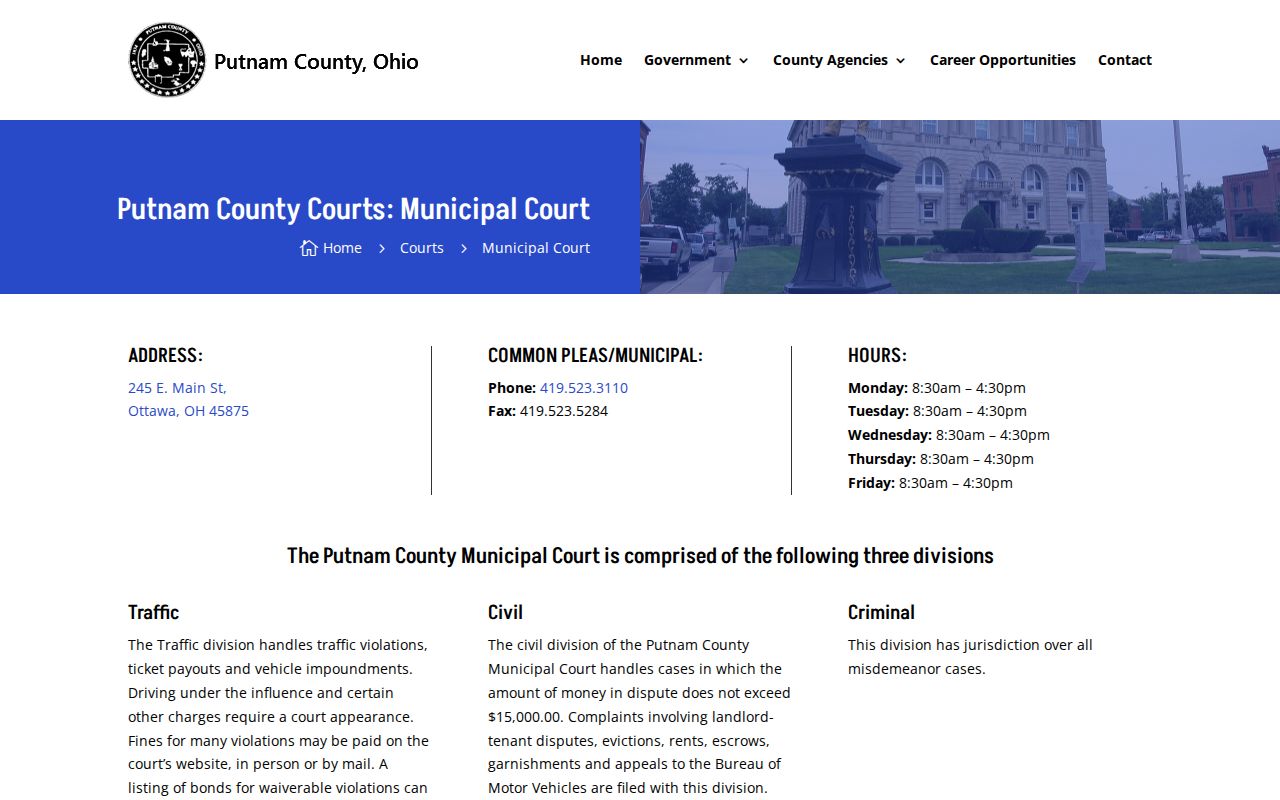
The Putnam County Municipal Court page describes its traffic, criminal, civil, and small-claims functions.
Skip the guessing. The filing delay is a reason to use the clerk fallback instead of changing unverified search criteria again and again.
Putnam County Docket History in Ottawa
Ottawa hosts Putnam County's courts today, but the county's legal story starts in Kalida. Ohio History Connection records that the early Court of Common Pleas met there. That followed the county's organization in 1834. A courthouse fire came next. Then the county seat moved to Ottawa. An 1880 atlas depicts the Ottawa courthouse built in 1867. The National Park Service also lists the Putnam County Courthouse on the National Register.
That history touches records. An old reference may name an earlier court or the old county seat. Today's Clerk and courts work from the Ottawa government center. Access changed in 2011. The former Putnam County Court was abolished then, and the Putnam County Municipal Court was established in Ottawa. For a historical search, use the actual court and its rough year. Then ask the Clerk about microfilm or scanned records.
Putnam County Court Data in eStats
Ohio's eStats Public Reports interface is the state home for reported caseload and timeliness figures. Putnam County's Common Pleas and Municipal courts both feed it statistical data. That reporting happens under the Ohio Rules of Superintendence. The numbers give useful court-level context by reporting period. They are not, however, a stand-in for the actual Putnam County case docket. Nor do they replace an official copy from the Clerk.
The distinction matters in practice. A docket lays out the chronology of one case, filing by filing. eStats groups court reporting data across many cases. Anyone tracking a hearing, judgment, or citation should stay with CourtView or the Clerk. Hunting for a single record inside a statistical report rarely pays off.
For the statewide picture, Ohio eStats Public Reports is the reporting interface. The Supreme Court publishes it.
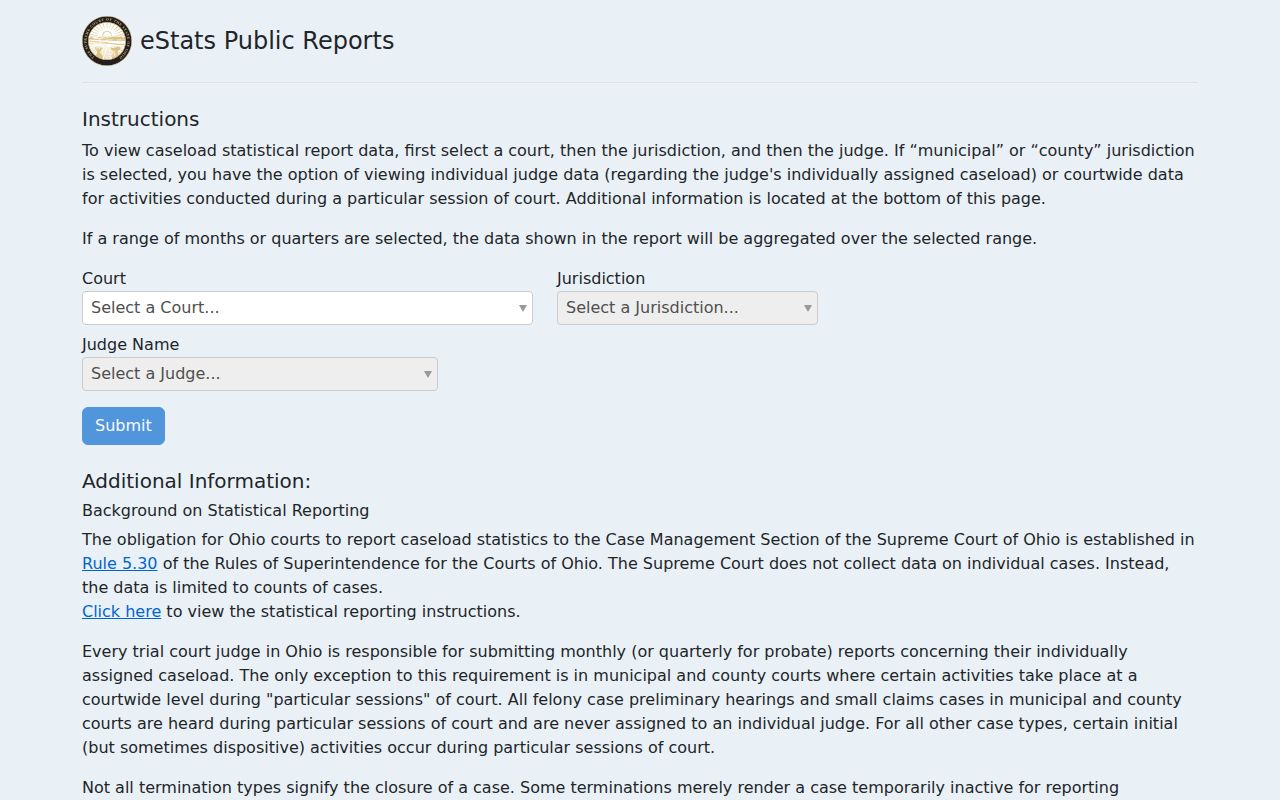
The statistical interface adds useful context about Putnam County courts, while the docket portals stay the better record-level search tools for any single case.
Public Access to Dockets
Putnam County's online docket view sits inside Ohio's court-access rules. Court records are presumed open under the Rules of Superintendence. The same rules split direct from remote access. They also shield certain information. Ohio's Public Records Act supports inspection and copying, though Supreme Court rules and orders still control what a court file can release.
Expect gaps. Protected personal identifiers, sealed material, many juvenile records, and adoption-related records may be absent or limited. A blank Putnam County result has other explanations too: the case sits in the other CourtView portal, has not been filed yet, predates scanning, or needs a separate Probate and Juvenile inquiry. Online access is a civic tool. It does not promise every case is online remotely.
Key Rules:
Ohio Sup.R. 44-47 explains public court-record access, remote access, and restricted records.
Ohio Revised Code 149.43 addresses inspection and copying of public records, subject to legal exceptions.
Ohio Revised Code 2953.32 sets a statutory path for sealing or expungement of specified conviction and bail-forfeiture records.
Ohio Revised Code 2953.34 limits inspection of sealed records and describes a limited sealed-record index.
Columbus Grove Traffic Court Check
Most traffic tickets in Putnam County land in the countywide Municipal Court. Columbus Grove is the exception. The village directory lists a Tax and Mayor's Court contact. The Ohio Supreme Court's 2019 Mayor's Court report shows traffic activity there too. Read your citation. The court named on the paper is the one to search. Do not rely on the portal you might assume. Columbus Grove posts no online docket and no payment form. Call the Tax and Mayor's Court at 419-659-2365 to sort out where the case sits. If the filing turns out to be in Putnam County Municipal Court, CourtView and the Clerk take over from there. The Columbus Grove court docket page walks through the village-specific route in full.
The Clerk and Docket Records
One office keeps the legal records for both courts. The Putnam County Clerk of Courts files, dockets, indexes, and preserves cases from Common Pleas and Municipal Court alike: civil, felony, domestic-relations, traffic, misdemeanor, and small-claims files all pass through it. Access works in a chain. Start with CourtView online for the matching court, then move to phone, mail, fax, email, or a walk-in visit when you need a document, an older record, or plain confirmation from the clerk. Copies cost money. Common Pleas local rules set the rates at $0.10 per plain page, $3 to certify, and $3 per fax or email transmission plus $1 per page. Treat those as Common Pleas figures. Other divisions may price requests differently, so confirm availability, cost, and delivery before you pay. Want copies mailed back with a receipt? The schedule asks for a self-addressed stamped envelope.
Putnam County Clerk of Courts, Legal Division
245 E. Main St., Suite 301
Ottawa, OH 45875
419-523-3110
Court Dockets by City in Putnam County
Putnam County's five largest incorporated places are all villages. Each takes a different path to court records. Ottawa, the county seat, hosts the court complex and the Clerk. Leipsic, Kalida, and Continental publish no separate court portal. So routine traffic and misdemeanor matters run through the countywide Municipal Court. Columbus Grove needs its own Mayor's Court check. The population figures come from the Census Bureau's 2020 incorporated-places table.
Ottawa Court Docket
4,456 · County-seat Clerk and court access are in Ottawa.
Leipsic Court Docket
2,177 · Countywide Municipal Court is the documented local route.
Columbus Grove Court Docket
2,160 · Check the village Tax and Mayor's Court contact first.
Kalida Court Docket
1,455 · Modern records are held through the Ottawa court system.
Continental Court Docket
1,102 · County CourtView and the Clerk provide the court-record path.
Map and Directions to the Putnam County Courthouse
Common Pleas and Municipal Court dockets are both viewed and filed at the Putnam County Government Center and courthouse complex, 245 East Main Street, in Ottawa. The Clerk of Courts' legal division, which handles Common Pleas and Municipal Court records, sits at Suite 301; the 2024 county filing instructions note that the Clerk's domestic-relations filing counter is on the third floor. Probate and Juvenile Court shares the same street address but uses a separate phone line, so call ahead if the matter is probate, juvenile, adoption, or guardianship.
Putnam County Clerk of Courts, Legal Division
245 E. Main St., Suite 301
Ottawa, OH 45875
419-523-3110
Monday through Friday, 8:30 a.m. to 4:30 p.m.
The county does not publish a parking policy, security-screening rule, or public-terminal count for this building, so treat those as items to confirm on arrival. Calling the Clerk at 419-523-3110 before a visit, especially for probate or juvenile matters, avoids a trip to the wrong counter.